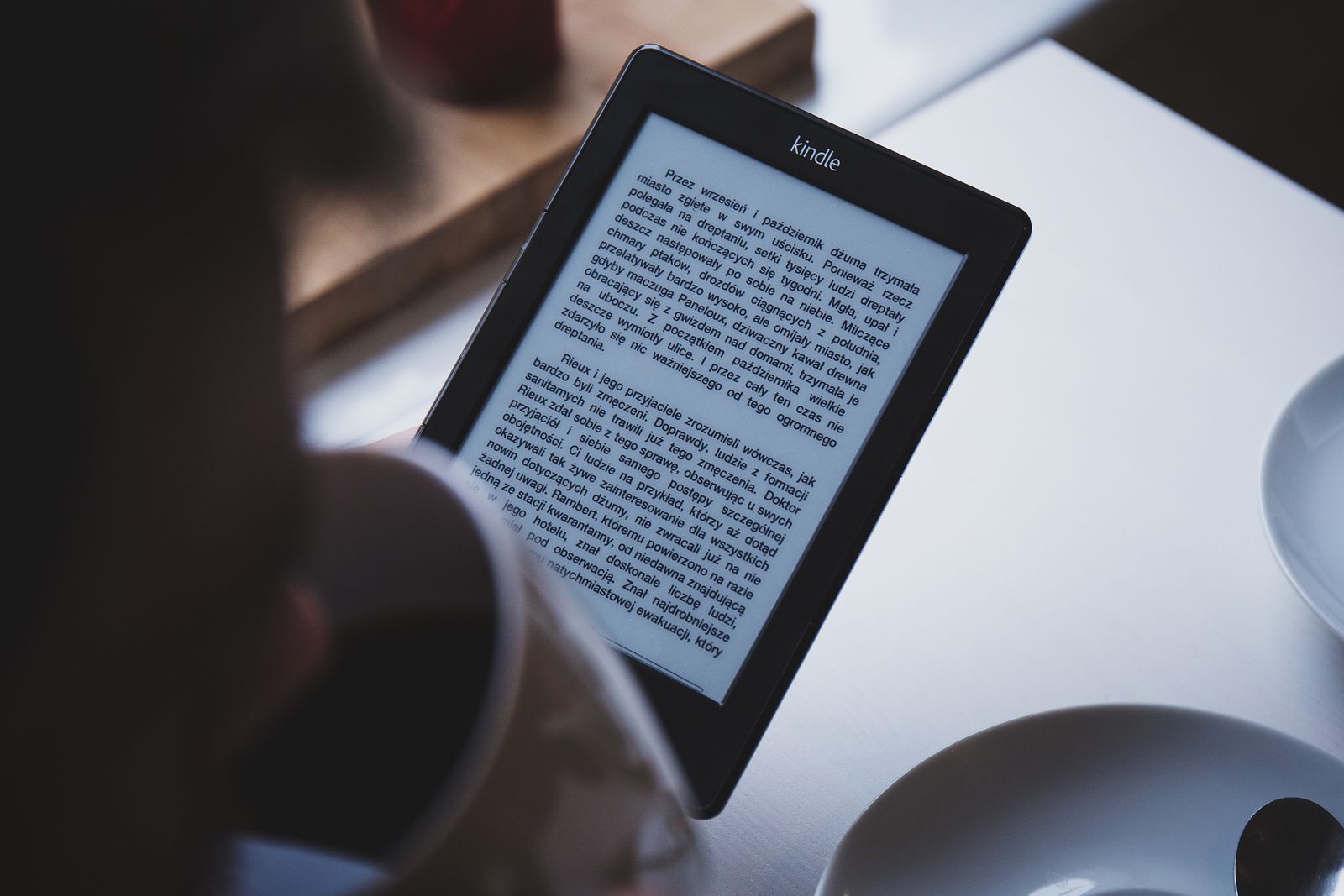
The Kindle Paperwhite makes the most sense for a particular kind of reader: someone who wants a quiet, book-first device and is willing to trade a tablet’s flexibility for a screen that is easier to live with for long reading sessions. It is not the cheapest way to read an ebook, and it is not a miniature entertainment machine. Its appeal is narrower—and that is largely the point.
Before buying, confirm which generation the retailer is selling. Amazon’s Kindle lineup has changed several times, and listings for older models can remain in circulation alongside current ones. The company’s own device-identification page is the safest place to match a model name with its release year and core specifications. A large discount is less impressive if it quietly buys an older device with shorter remaining software support.
The Paperwhite’s Practical Advantage
The strongest reason to choose a Paperwhite over reading on a phone is not that it can display a book. Nearly every phone can do that. The difference is the reading environment. An E Ink screen does not behave like a conventional bright phone display, notifications do not continually compete for attention, and the interface is organized around a library rather than a collection of unrelated apps.
That focused design can matter more than a long feature list. If you routinely abandon a book after checking one message, a dedicated reader removes some of that friction. It is also easier to leave a Paperwhite on a bedside table without turning it into another late-night social feed.
Amazon lists adjustable warm light, dark mode, USB-C charging, water resistance and long quoted battery life among the defining features of recent Paperwhite generations. Those are useful conveniences, but they are not equally important for every reader. The warm light is most valuable for evening reading. Water resistance provides reassurance near a bath or pool, but Amazon’s care guidance still makes clear that a Kindle is not intended for underwater use. Battery estimates also depend on settings and reading habits, so they are best treated as a description of low-maintenance use rather than a promise tied to a calendar.
Who Will Notice the Upgrade
Frequent readers coming from a basic Kindle are the clearest audience. A larger display can fit more text at a comfortable size, and adjustable color temperature makes the screen more pleasant in a dim room. Readers who travel also benefit from carrying a substantial library in a slim device and charging less often than they would charge a phone or tablet.
The Paperwhite is particularly sensible when novels, biographies and other mostly text-based books dominate your reading. Its strengths line up neatly with continuous pages of text. The experience is less convincing for material that depends on color, rapid navigation or large-format layouts. Cookbooks, art books, technical PDFs, magazines and graphic-heavy textbooks may be easier to use on a color tablet or a larger computer screen.
Accessibility deserves a deliberate check rather than an assumption. Amazon documents VoiceView screen-reader support over Bluetooth on supported models, along with text-size and display controls. Those features may be valuable, but buyers with specific accessibility needs should review the current setup guide before ordering. Interface behavior, regional availability and supported content can matter as much as the headline feature.
The Standard Model or Signature Edition?
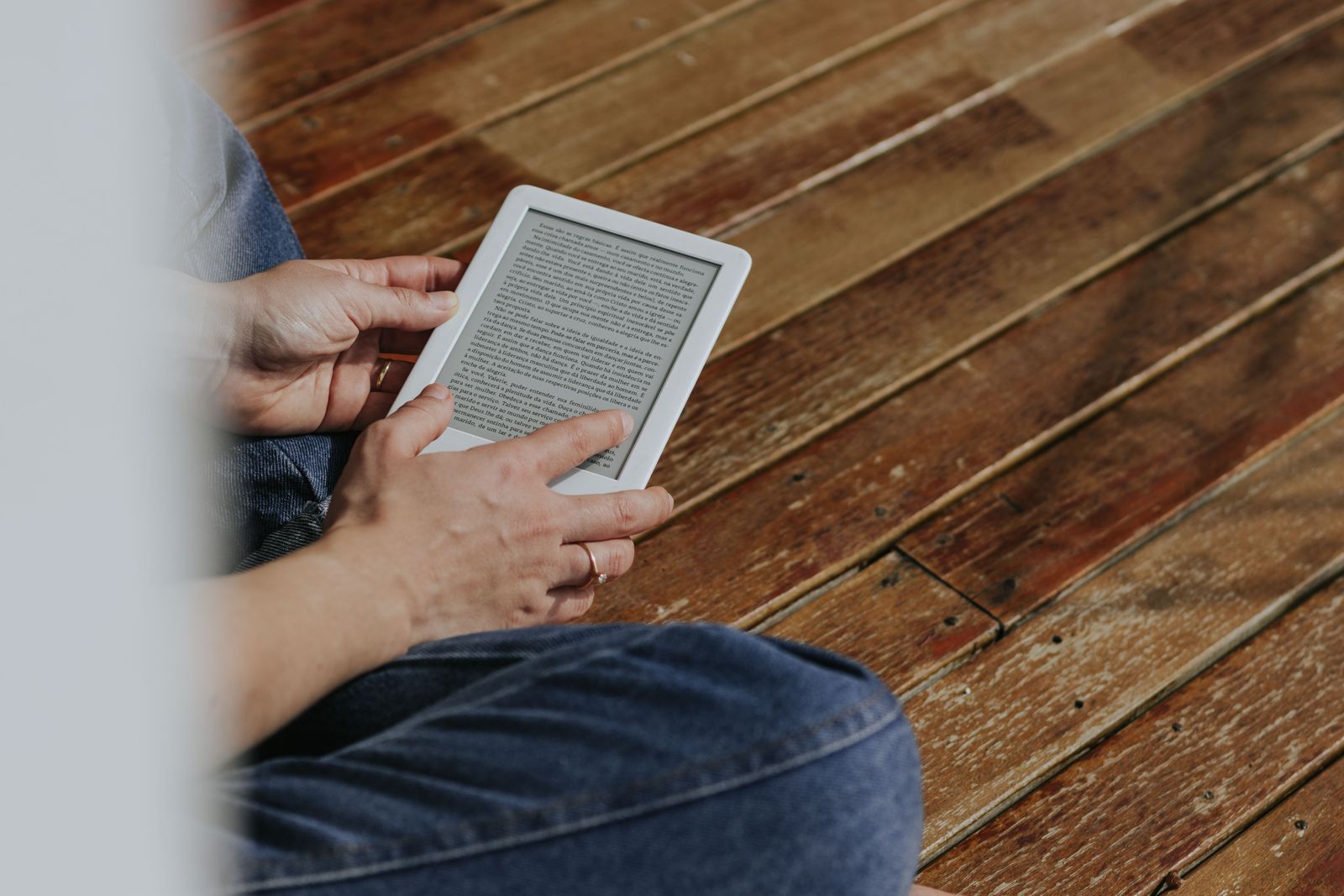
The Signature Edition is easy to describe and easy to overbuy. Recent versions add more storage and conveniences such as wireless charging; some generations also distinguish themselves with an automatically adjusting front light. Those extras are pleasant, but they do not transform the basic reading experience.
For a library made mostly of ordinary ebooks, the standard Paperwhite’s storage is already generous. Text files are small compared with video, games or high-resolution photos. More capacity becomes relevant for large audiobook collections, image-heavy books or readers who insist on keeping an extensive library downloaded at once.
Wireless charging is similarly a lifestyle feature. It is worthwhile if compatible charging pads are already part of your home and the reader will have a regular place on one. If the Kindle is charged every few weeks with a USB-C cable, the feature may never justify the price difference. Compare the actual checkout price rather than relying on the percentage discount, and remember that a charger or dock may be sold separately.
What the Paperwhite Does Not Replace
A Paperwhite is not an open, general-purpose tablet. Buyers should be comfortable with Amazon’s store, account system and library management. You can transfer certain personal documents and use public-library services where supported, but the overall experience is still tied closely to the Kindle ecosystem.
It also does not eliminate the small inconveniences of an E Ink device. Page refreshes and menus can feel slower than a modern phone. Typing notes or searching repeatedly is functional rather than luxurious. The screen is excellent for settled reading, not rapid interaction. People who annotate heavily, work with complex PDFs or move constantly between references may prefer a larger note-taking reader or tablet.
There is also a simple possibility that should not be ignored: a current phone may already be good enough. Occasional readers who finish only a few ebooks each year may gain more from using the Kindle app they already have than from buying another device. The Paperwhite earns its place through repetition—regular reading, regular travel, or regular frustration with a phone screen.
Four Checks Before You Buy
First, verify the exact generation and storage capacity. Product titles used by marketplaces and third-party sellers can be vague. Amazon publishes an identification guide with release years and distinguishing features, which is more reliable than a seller’s shorthand.
Second, check whether the device includes lock-screen advertisements in your region and whether removing them changes the price. The presentation and options can vary by marketplace.
Third, review the warranty and return terms for the actual seller. A refurbished or previous-generation Paperwhite can be a sound purchase when battery condition, warranty coverage and return rights are clear. A low price from an unfamiliar seller is less attractive when those protections are uncertain.
Fourth, check Amazon’s software-security update page. A reader can remain usable beyond its formal support window, but the stated date helps distinguish a durable bargain from hardware that is already near the end of guaranteed security support.
Verdict: A Good Reader, Not an Automatic Upgrade
The Kindle Paperwhite is easy to recommend to someone who reads most days, prefers text-heavy books and wants fewer distractions. Its screen lighting, low-maintenance battery behavior and travel-friendly library solve ordinary reading problems without demanding much attention.
It is harder to justify for occasional readers, color-content fans, intensive note takers, or anyone satisfied with a recent basic Kindle. The Signature Edition should be chosen for a specific extra—not simply because it is presented as the premium option.
The best buying decision is therefore less about whether the Paperwhite is “the best Kindle” and more about whether its focused design matches your habits. If reading is frequent and a phone keeps getting in the way, the Paperwhite has a clear job to do. If not, keeping the device you already own may be the more honest recommendation.