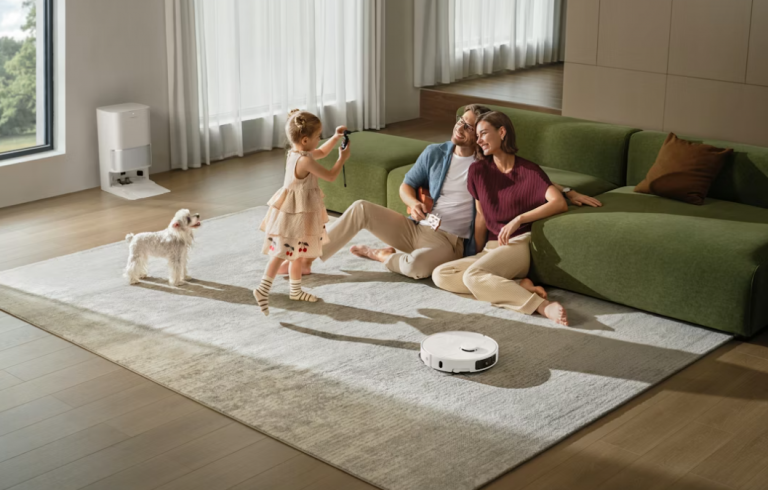
A connected bulb appears harmless beside a laptop or phone. It has no family photographs, tax documents or obvious microphone. Yet it still adds software, an account, a vendor and a path into the home network. Multiply that arrangement by a lock, camera, speaker and thermostat, and convenience becomes a small technology estate that someone has to manage.
Privacy does not require rejecting every connected device. It requires knowing what enters the house, what it observes and what happens when the company loses interest in supporting it.
Identify the Data Before the Features
Read the privacy material for the exact product, not only the brand’s corporate policy. A thermostat may collect temperature, occupancy and equipment data. A speaker can process voice interactions. A camera may store video, events and recognized faces. Apps commonly collect device identifiers, diagnostics and location-related information.
Google’s current Home and Nest privacy documentation, for example, describes setup information, sensor readings, audio and video where enabled, device-use records and technical data such as network addresses and software versions. It also explains which controls and deletion options are available. Other ecosystems differ, but the exercise is the same: list the information necessary for the feature and the information collected for analytics or improvement.
If the product page speaks only about “personalization,” look for the support and privacy pages before purchase. Vague language is itself useful information.
Separate Must-Have Functions From Cloud Extras
Ask what still works when the internet connection is down. A light switch should ideally remain a light switch. A thermostat should continue basic control. A lock should retain a safe local method of entry.
Cloud processing can enable remote access, richer alerts and voice control, but it also creates dependence on servers and subscriptions. Decide which benefits justify that dependence. A local-only sensor or a device compatible with a local hub may suit privacy-sensitive rooms better than a cloud camera.
Do not assume “on-device” means nothing ever leaves the device. Some features process locally while diagnostics, account data or optional services still use the cloud. Read each feature’s description.
Treat Home Membership as a Permission System
Household accounts deserve the same care as workplace access. Google warns that members added to a Home can receive broad rights. Other platforms similarly let members view devices, create automations or invite people.
Give access to individual accounts rather than sharing one password. Remove former roommates, contractors and old phones. Review guest codes for locks and garages. When a platform supports roles, give the narrowest role that meets the need.
Third-party integrations require a second review. Google’s guidance notes that linked apps have their own policies and that access can include selected device types or home data. A calendar app has no obvious reason to control a door lock. Revoke integrations that no longer serve a clear purpose.
Secure the Account and Network
Use a unique password and enable multifactor authentication when offered. Save recovery codes somewhere separate from the phone. Confirm that the account’s recovery email and number are current.
Keep the router firmware updated and protect its administrator account with a unique password. A guest or isolated IoT network can reduce exposure if the router supports it, but isolation must be configured correctly; it is not a magic label. Devices still need updates, and companion phones remain important trust points.
Install firmware from the official app or support site. CISA’s general consumer guidance emphasizes strong passwords, multifactor authentication, recognizing phishing and keeping software updated—unexciting habits that prevent more trouble than exotic settings.
Configure Cameras and Microphones Deliberately
Place cameras as though footage could someday be seen by an unintended viewer. Avoid bedrooms, private work material and views into neighboring property. Use physical shutters or power controls where available, and understand what indicator lights mean.
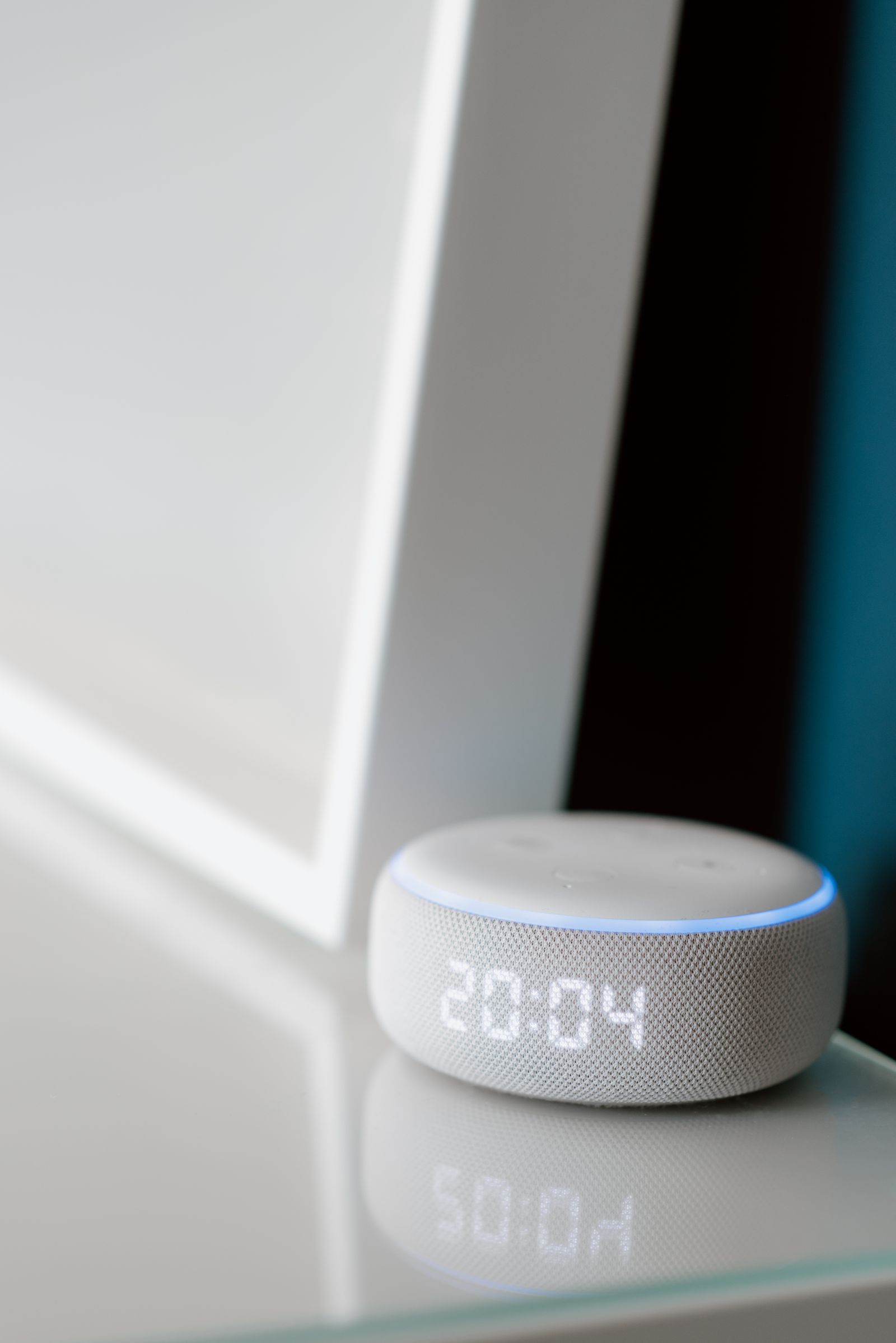
For speakers and displays, review voice-history settings, personalization and the hardware microphone switch. If a device offers automatic deletion, choose a retention period that matches the household’s needs. Test the mute state rather than assuming an icon means what you expect.
Notifications should be selective. Constant low-value alerts train people to ignore the important one. Configure zones and event types, then revisit them after a week of real activity.
Plan for Sale, Failure and Shutdown
Before buying, locate the vendor’s reset instructions and support policy. Can the device be removed from the account? Can recordings be exported or deleted? Does it require a subscription for the feature shown most prominently?
When selling or discarding a device, remove it from automations and household groups, factory-reset it and verify that cloud history is handled separately if necessary. A reset button may erase local settings without deleting server-side data.
Keep a simple inventory with product name, room, account owner and purchase date. Once or twice a year, use it to find abandoned integrations and devices that stopped receiving updates.
Buy Fewer, Better-Defined Devices
The most effective privacy setting is often declining a feature that solves no real problem. Choose a device because remote control, energy information or safety alerts have a concrete use—not because connectivity is included.
A well-run smart home should be understandable to the people who live there. They should know when a camera is active, how to turn off a microphone and what happens during an outage. Convenience built on mystery is fragile. Convenience built on explicit choices can remain useful long after the setup weekend.